
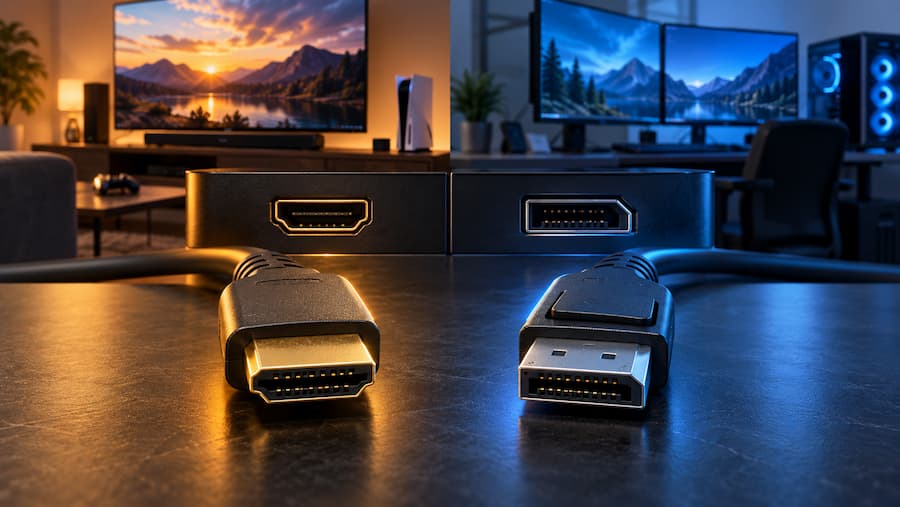

If you are comparing DisplayPort vs HDMI, the answer depends more on what you want to connect than on finding an absolute winner: HDMI is usually the most practical option for TVs, consoles and home cinema setups, while DisplayPort stands out on computers, especially when you need multiple monitors. To connect a PC to a single screen, either one can work perfectly well.
Both carry digital video and audio, so the decision is not simply about choosing the one that “looks better”. The connection version, available features and the ports on your devices matter far more than the logo on the cable. What is the point of winning the specs battle if your screen needs a different connection?
HDMI and DisplayPort: the differences that really matter
The most useful difference for many users is TV audio. HDMI includes ARC and eARC, audio return features that allow sound to be sent from the television to a soundbar or external speaker system. This means the TV can receive content from another device, such as a Blu-ray player, and send the audio to the sound system, simplifying the cabling in the living room.
DisplayPort has another speciality: it can daisy-chain multiple monitors in compatible setups. HDMI does not offer the same chaining capability, which makes DisplayPort especially appealing for multi-screen desks. It is not that a computer with HDMI cannot work with several monitors, but rather how those monitors are connected to one another.
Bandwidth also varies, although here it is important to look at the specific version of the standard. DisplayPort 2.0 and 2.1 offer higher transfer capacity than HDMI 2.1, a relevant advantage for demanding setups. However, this should not be treated as a permanent rule: HDMI 2.2 raises the limit above those DisplayPort generations, so comparing only the names leads to incomplete conclusions.
HDMI also offers Auto Low Latency Mode, an automatic mode designed to reduce latency in activities such as gaming. DisplayPort has no equivalent feature, but that is not enough to declare HDMI the winner for gaming: bandwidth and the characteristics of the setup are also part of the choice.
Which connection to choose for gaming, work or watching TV
On a television, the choice is usually almost already made. HDMI is the standard connection for home entertainment and is found on consoles, players, streaming devices and home cinema equipment, while DisplayPort is uncommon on TVs. If you also plan to use a soundbar, ARC and eARC reinforce that practical advantage. In that same environment, if you use Chromecast, it may be useful to keep this solution handy for when the Chromecast remote disconnects.
On a computer there is more room to choose, because many monitors and PCs include both connectors, and DisplayPort is also common on modern graphics cards. For a single monitor, both standards may be suitable; before buying a cable, it is worth checking which connections each end includes and which generation they support, rather than assuming that all ports with the same shape offer the same capabilities.
For a gaming PC, DisplayPort is often an attractive option thanks to the bandwidth of its recent generations and video stream compression. That does not make HDMI a lesser alternative for every setup: the comparison should be made between specific versions, not between two labels treated as if they were rival video game factions.
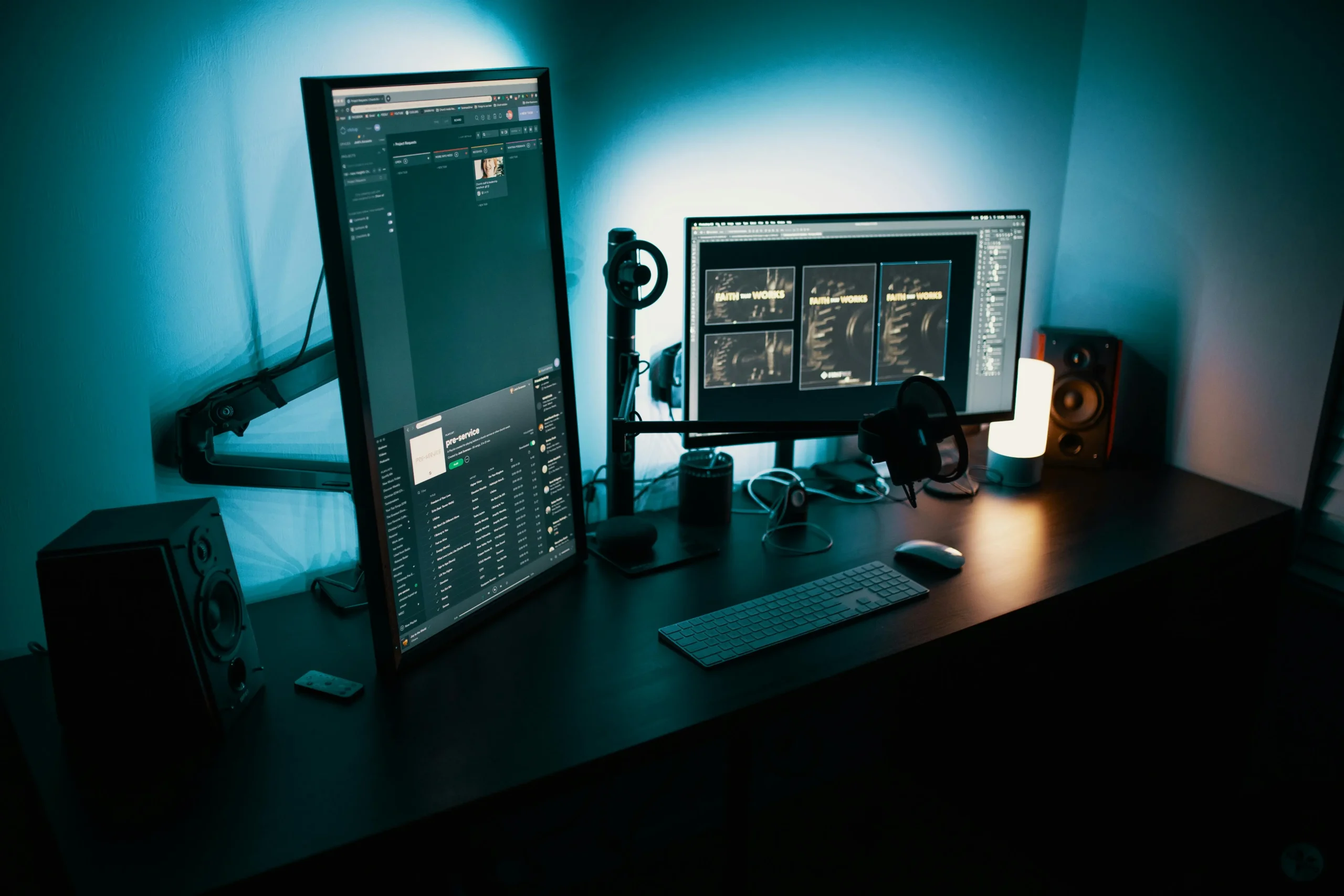
When the goal is to work with multiple screens, the ability to daisy-chain them tips the balance towards DisplayPort, provided the devices support that configuration. It is a more specific advantage than any supposed universal image superiority, but also much more useful for anyone who wants to expand their desktop. On the other hand, if you only need to connect a laptop to a monitor, there is no reason to overcomplicate the decision when both provide a suitable connection.
How to identify the ports and avoid surprises with adapters
The connectors are similar in size, although their outline makes them easy to tell apart. A full-size DisplayPort has one bevelled corner, while HDMI has two angled corners. Some DisplayPort cables also include a locking mechanism that helps prevent accidental disconnections; HDMI markings or the DP logo also make them easier to identify without having to guess behind the monitor.
On laptops, the situation may be different. Some older Macs used Mini DisplayPort, while many modern models rely on USB-C or Thunderbolt. Many manufacturers have reduced traditional ports to allow for thinner designs, so you may find a laptop with neither HDMI nor full-size DisplayPort.
Adapters can solve differences between connections, but they may limit resolution or refresh rate. For that reason, the fact that two devices can display an image through an adapter does not necessarily mean they retain all the capabilities of the original connection. Multiport adapters with HDMI and DisplayPort outputs are also available for laptops that require this solution.
If the image becomes unstable when trying another connection, this guide to fixing screen flickering in Windows 11 may help.
The final criterion is simple: prioritise HDMI for the living room and audio return, consider DisplayPort for a multi-monitor desktop and compare versions if you are looking for a demanding gaming setup. Before deciding, check ports and adapters, because choosing well is about making the most of your equipment, not buying the cable with the biggest promises.


