
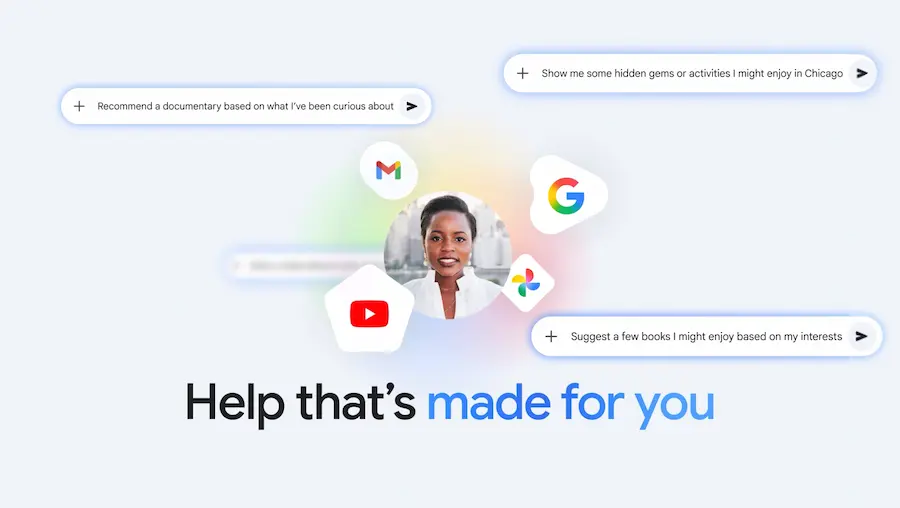

If you’ve been using AI assistants for a while, you’ll probably recognise that feeling: they “know a lot”, but when it actually matters, they still make you go back and dig up the exact detail in your email, your photos, or your history. Google wants to close that gap with Personal Intelligence, a new feature that personalises Gemini by linking Google apps with a single tap. It’s launching as a beta in the United States and, according to the company, the goal is to make Gemini more personal, proactive, and powerful… without turning your digital life into an open drawer.
The idea is simple: if you enable this option, Gemini can reason across multiple sources (for example, email and photos) and also pull up specific details when you ask—anything from an email’s contents to a piece of information inside an image. The difference versus a typical assistant that only “knows what’s on the internet”? Here, you provide the context by linking your own apps, and that changes the kinds of answers it can give.
Google frames it as a step towards an assistant that doesn’t just understand the world—it understands you. And honestly, when it works well, it’s the sort of concept geek culture has been imagining for years… albeit with the inevitable “OK, but what about my privacy?” episode.
What Personal Intelligence is—and what it changes in Gemini
Personal Intelligence is the name for Gemini’s experience built on Connected Apps—in other words, connecting certain Google applications so the assistant can use information already in your account and help in more specific ways. According to the official announcement, linking is straightforward, with settings designed to be secure.
In this first phase, the system can connect with Gmail, Google Photos, YouTube, and Search with a single tap. The point isn’t just “reading” data, but combining capabilities: on one hand, retrieving a precise detail (from an email or a photo) and, on the other, reasoning across sources to build a more useful answer—even when your question isn’t perfectly phrased or needs context.
Google describes those two points as its main strengths: reasoning with complex sources and pulling out specific details. In practice, this lets the assistant work across formats (text, photos, and video) and deliver results that feel more “tailored”. Is this the kind of personalisation that turns a generic chatbot into a real assistant? That’s clearly the ambition.
The company also insists this is a feature you choose to enable, and you can tune it app by app. In other words, personalisation isn’t “on by default”, and that sets the tone for the entire approach.
Real-world examples: from the garage to trip planning
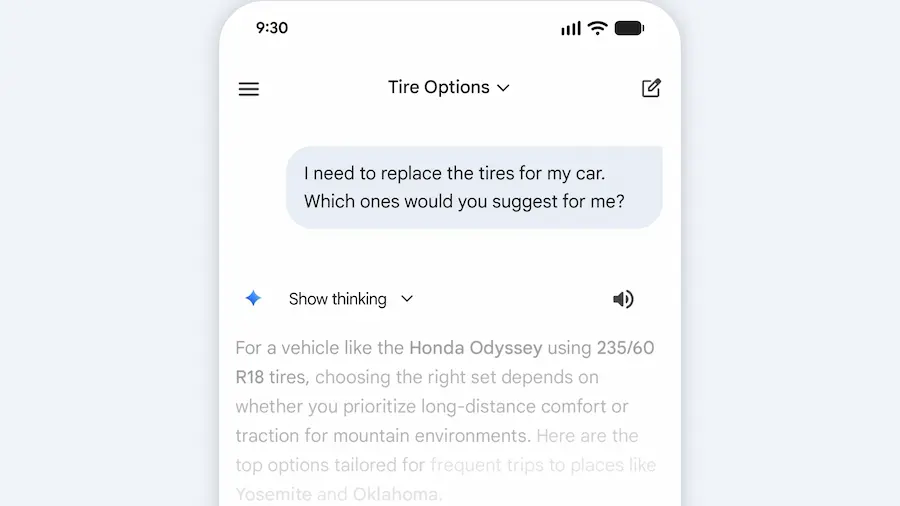
To make it tangible, the announcement includes a very everyday example: a visit to a tyre shop. The person telling the story realised—while waiting in line—that they couldn’t remember the tyre size for their minivan. They asked Gemini and, while any assistant can find generic specs, what mattered here is that Gemini went further by suggesting different options based on usage (daily driving versus all-weather conditions) and adding reviews and pricing.
The “personal” twist is that the system backed some of those suggestions with information it found in Google Photos—specifically references to family road trips. And when they needed the licence plate number at the counter, instead of going back to the car or wasting time searching, Gemini retrieved it from a saved photo in Photos. It even helped identify the exact trim level by looking through Gmail. That kind of chaining (photo for the plate, email for the trim) neatly illustrates what Google wants to show: it’s not just about answering—it’s about finding the right detail where you already have it.
Along the same lines, Google mentions using Gemini for recommendations on books, shows, clothes, and travel, highlighting a spring-break planning case where, by analysing interests and previous trips in Gmail and Photos, the assistant avoided the usual generic suggestions—offering more specific alternatives like an overnight train route and board games for the journey. The subtext is clear: when AI has context, it can stop sounding like a collection of clichés. And yes, it’s also the kind of thing that makes plenty of people want to try it “just to see” how far it goes.
Privacy, control, and availability: what you need to know
Google positions privacy as a core design pillar. Personal Intelligence is off by default: you enable it, you decide which apps to connect, and you can disconnect it at any time. When it’s enabled, Gemini accesses data to respond to specific requests and to do things for you. Google also highlights a differentiator: since that data already lives in Google, you don’t need to “send it” somewhere else to start personalising the experience.
Another day-to-day detail is traceability: Gemini will try to reference or explain where an answer based on connected sources comes from so you can verify it. And if an answer doesn’t convince you, you can ask for more detail. You can also correct the assistant in the moment—for example by adjusting preferences—and there’s an option to regenerate responses without personalisation for a specific conversation, or use temporary chats to talk without personalisation. In other words, it introduces a “with context” mode and a “without context” mode—something many power users will appreciate.
Google adds guardrails for sensitive topics: Gemini tries not to make proactive assumptions about delicate data like health, although it can handle it if you ask. On model training, the company says it does not train directly on your Gmail inbox or your Google Photos library; those sources are used to reference and build the response, while training uses limited information such as prompts and responses, after applying measures to filter or obfuscate personal data. Their example is pretty clear: it’s not that the system “learns” your licence plate—it’s that it can locate it when you request it.
Because it’s a beta, Google also warns about possible issues: inaccurate answers or over-personalization, when the model connects dots that shouldn’t be connected. They ask for feedback via the “thumbs down” and acknowledge it may miss nuances or timing, especially when relationships or interests change. In other words, the AI might see lots of photos on a golf course and assume you love it, when you may only be there because of someone close; if that happens, the idea is to correct it explicitly.
As for availability, access begins rolling out over the next week for eligible Google AI Pro and AI Ultra subscribers in the United States. Once enabled, it works on web, Android, and iOS and with all models in Gemini’s selector. Google says it will start with this limited group to learn and, over time, expand to more countries and also to the free tier, as well as arriving “soon” in AI Mode in Search. For now, it’s available for personal accounts, not Workspace users in business, education, or enterprise environments.
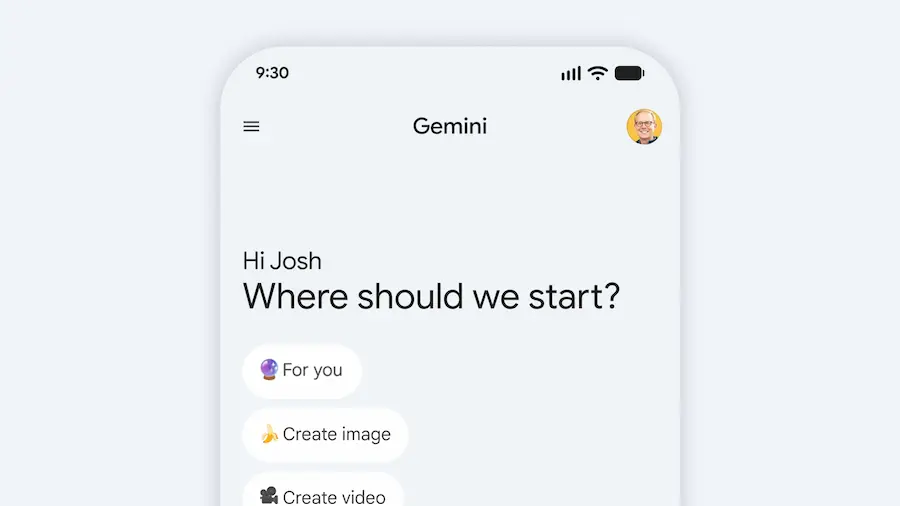
If you don’t see an invite on Gemini’s home screen, you can enable it from settings: open Gemini, go to Settings, tap Personal Intelligence, and select Connected Apps such as Gmail or Photos. Because yes—sometimes the future arrives with a toggle hidden in Settings, as tradition dictates.


