
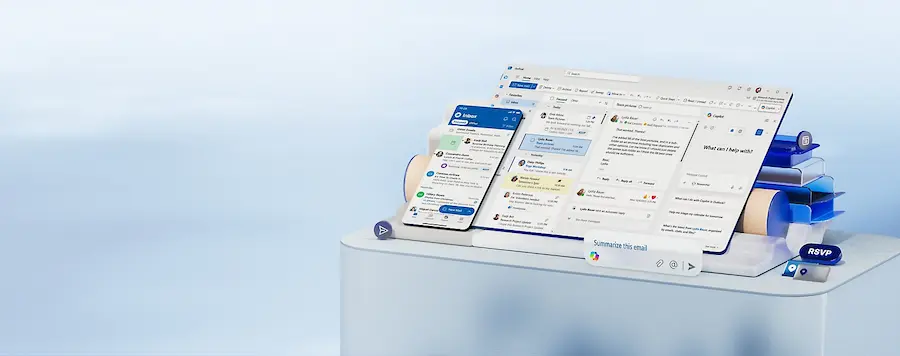

If you use an Outlook account provided by your company, university, or educational institution and an email you were expecting has disappeared, it may not be in the junk mail folder, but in Outlook quarantine. And here is the detail that often causes confusion: that folder does not appear in Outlook’s sidebar like another inbox. It is not hidden away like some experimental Microsoft setting; it is managed from the Microsoft 365 security environment.
Quarantine is used to hold messages that the system considers suspicious before they reach your inbox. Outlook, supported by server-side protections, analyses spam, possible phishing attempts and malware, and when something exceeds certain thresholds, it sets it aside so you do not open it by accident. The good news is that, if you have the right permissions, you can review those messages, release them, delete them or mark senders as allowed from your browser.
How to access Outlook quarantine
The most practical direct access is to open a browser and go to security.microsoft.com/quarantine. You must sign in with the same account you use for Outlook, as quarantine is linked to your Microsoft 365 mailbox. If your organisation allows it, you will see the retained messages and be able to inspect them from there. If you cannot get in, the most likely reason is that your IT administrator has restricted user access to that section.
You can also get there from the Microsoft Defender portal, by going into the options related to email, collaboration, review and quarantine. In some cases, you will receive a quarantine notification email with a button to review the retained message; this works as a convenient shortcut, as long as the notification is legitimate and comes from your organisation’s system.
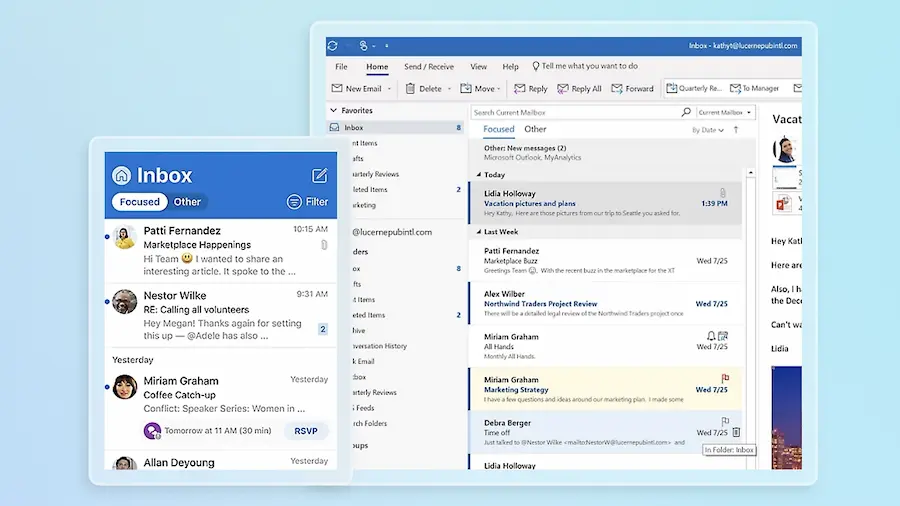
Once inside quarantine, select an email to view its details. The panel shows useful information such as the date received, the sender, the reason it was held and the expiry date. That last detail is worth paying attention to, because if you do nothing, the message will be automatically deleted after the period defined by your company’s or educational institution’s policy.
What you can do with a quarantined email
Before deciding whether to recover a message, you can use the preview option. This lets you check the content in a controlled way, without displaying attachments or potentially dangerous elements. It is an important difference compared with the classic impulse to open everything in the inbox, that small high-risk sport no security manager would recommend. Why take the risk if the portal itself lets you look first?
The available actions depend on the administrator’s configuration, but they usually revolve around several options. With release email, the message is moved to your inbox. If you see request release, it means the decision is pending approval by the IT team. This happens especially when Microsoft detects malware or high-confidence phishing, cases in which the system does not simply ask the user politely.
You can also delete the message from quarantine if you identify it as dangerous or irrelevant. In addition, some policies allow you to mark a sender as allowed to reduce future blocks, or block them so that their next emails end up in quarantine or junk mail. If you need to act on several messages, you can select them in bulk and apply a common action, which is very useful when the quarantine tray has become that digital drawer nobody checked for weeks.
How to stop legitimate emails from being blocked
When a trusted email gets caught in quarantine, the first step is to review the reason for the block. If the system treated it as spam, adding the sender to your contacts or to the safe senders list can help. In Outlook on the web and the new Outlook, this setting is found under Settings, then Mail, Junk email, and Safe senders and domains. From there, you can add the sender’s address.
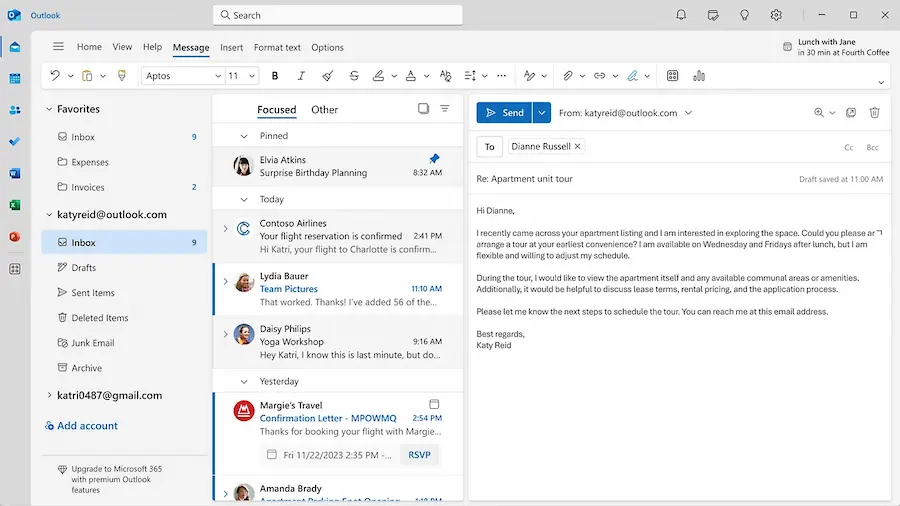
In classic Outlook for Windows, the route goes through the junk email options, under the safe senders tab. In Outlook for Mac, the setting is found in the junk email settings, where it is also possible to add safe addresses. If the quarantined message itself offers the option to allow the sender, that route is usually more direct.
That said, it is worth understanding the technical nuance: a safe senders list does not have absolute power. If the server considers that a message contains malware or matches a high-confidence phishing detection, it may still block it even if the sender is known. In that scenario, the correct approach is to contact the IT department so they can review the policy or authorise the message from the server.
Retained emails are not kept forever. Depending on the policy applied by the organisation, they are usually deleted after an approximate period of 15 to 30 days from receipt. So, if you are waiting for important documents, an invoice or an access link and it does not appear in Outlook or junk mail, checking quarantine should be one of your first steps. It is not a visible folder, but in professional environments it may be exactly where that email that seemed to have vanished ended up.


