
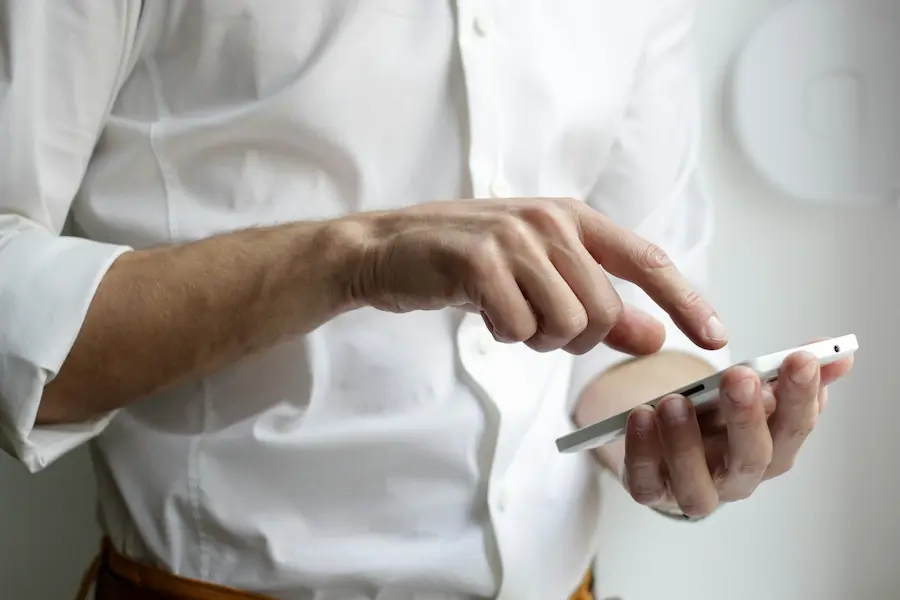

An accidental call is still one of those small digital embarrassments that survive even in the age of WhatsApp, Instagram and smart assistants. All it takes is one wrong tap, a phone in your pocket, or an overly sensitive screen to end up calling someone unintentionally—especially awkward if it happens in the middle of the night or to a contact you barely speak to. The good news is that it usually has a simple explanation and, more importantly, it’s easy to fix.
If you’ve made it this far, you’re probably looking for two things: what to say once you’ve already messed up, and how to stop it from happening again. And yes, both have solutions—without turning it into the kind of drama you’d expect from a message sent to the wrong chat.
What to say if you made an accidental call
The most believable way out is usually the simplest. Saying your phone was in your pocket works because it’s incredibly common; in fact, this type of accidental dialling even accounts for a significant share of unintentional calls to emergency services. It also works to say you were trying to decline another call, that you meant to send a message and tapped the wrong icon, or that you hit the wrong name while scrolling through your contacts.
Some excuses depend heavily on context. If you have young kids, saying they were playing with your phone sounds natural. If you live with a cat, the classic scene of a feline walking across the screen can sound surprisingly plausible—especially among people used to sharing their home with a small agent of chaos. It can also make sense that you were cleaning the screen, or that your finger slipped while holding the phone, particularly if the call was brief and you hung up straight away.

Other justifications are best used more carefully. Saying you have a new phone and you’re still getting used to it can work, but only if you actually changed devices—or if you’re not exactly the person your friends ask about advanced settings. The same goes for rearranging icons on the home screen: it makes sense if you regularly customise your phone, not if you’ve used the default layout for years. In the end, what tends to work best? A short, plausible explanation with no extra flair. The more you try to build it up, the more it sounds like a cover story.
Settings that really help prevent accidental calls
The most effective measure is also the most basic: lock your phone whenever you’re not using it. If the screen stays on in your pocket, in a bag, or on the sofa, any contact can trigger features and place a call. That’s why it makes sense to review the auto-lock time and set it to kick in sooner (if you need a step-by-step guide, here’s how to change the screen timeout), which is especially useful if you have kids at home—or pets with a talent for tapping exactly where they shouldn’t.
It’s also worth checking which functions remain active while the phone is locked. Some digital assistants can interpret conversations or sounds as commands and may even initiate calls, so limiting listening to when the device is unlocked significantly reduces the risk. Likewise, if the system lets you return missed calls from the lock screen or provides quick call shortcuts, disabling those options can prevent more than one surprise.
Another less obvious factor is how you interact with the interface. If accidental taps are common, both iPhone and Android offer accessibility and display settings that let you change the size or spacing of on-screen elements. It’s not as exciting as getting a brand-new foldable, but it helps far more in everyday use. That said, changing resolution or interface scaling can affect how some apps behave, so it’s worth checking afterwards that everything still works as it should.
Security, passcodes and apps to add an extra barrier
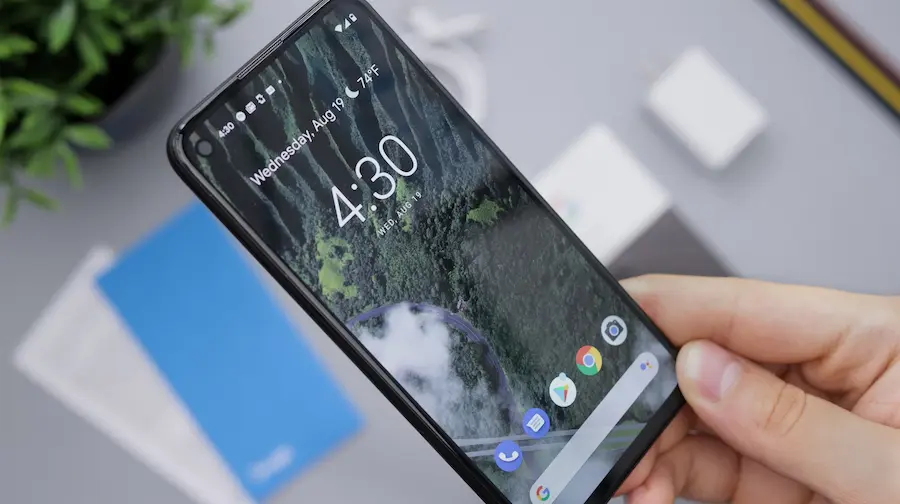
If your phone is already locked and you still get accidental touches on the lock screen, it’s worth tightening access. A longer or less predictable passcode reduces the chance that random taps will unlock the phone by accident—and it also improves overall device security. The logic is simple: any feature designed to make calling faster also makes it easier to call by mistake.
On Android, there are even apps designed to add a confirmation step before placing a call, showing an extra dialog box to verify that you really want to dial. They’re not foolproof, but they do add an extra layer of control. On iPhone, based on available information, there isn’t an equivalent solution of this type unless the device has been modified, so within Apple’s ecosystem prevention relies more on system settings.
One important detail shouldn’t be overlooked: if the accidental call is to an emergency number, you shouldn’t just hang up. The right thing to do is stay on the line and explain it was a mistake and that you don’t need assistance. It’s a small gesture, but it avoids unnecessary dispatches and clears things up immediately.
Ultimately, accidental calls are a mix of touchscreens, automation and rushing—basically the usual recipe behind almost any everyday tech problem. The upside is you don’t need to turn your phone into a Star Trek starship to keep it under control: with a well-configured lock, fewer exposed quick shortcuts, and a bit of common sense, the dreaded “oops, that wasn’t for you” becomes much less frequent.


