

Apple has introduced the new M6 and M5 Ultra chips, two key additions to Apple Silicon that point in different directions but share an obvious obsession: more local performance and more muscle for artificial intelligence directly on the Mac. The M6 debuts in the new Mac mini, while the M5 Ultra arrives in the Mac Studio, making it fairly clear which type of user Apple has in mind for each platform.
The quick takeaway is simple: the M6 is the more balanced leap for those who want a compact, fast and efficient desktop for everyday tasks, development, creative work and local AI models; the M5 Ultra, by contrast, is the desktop beast designed for professional workflows where the CPU, GPU and unified memory are pushed to their limits. What changes in practice for anyone who follows the evolution of the Mac like they read RPG patch notes? Quite a lot, especially if local AI starts becoming a real part of the workflow.
M6: Apple’s first 2 nm chip targets the Mac mini
The M6 is particularly significant because Apple presents it as its first chip manufactured on a 2-nanometer process, a shift that allows for greater transistor density in a smaller space and, on paper, improves both performance and energy efficiency. This is not just a nice number for a keynote: in a device like the Mac mini, where the compact form factor heavily affects cooling and power consumption, that efficiency can make a noticeable difference.
The M6 CPU moves to a 12-core configuration, with 2 super cores, 4 performance cores and 6 efficiency cores. Apple claims the world’s fastest CPU core in single-threaded performance, along with up to 1.2x better multi-threaded performance compared with the M5 and up to 2.4x compared with the M1. The comparison with the M1 is almost inevitable: many Mac users are still on that first generation, and this jump no longer feels like an indulgent upgrade.
For specific tasks, Apple mentions image editing, code compilation, file indexing and agentic AI workloads. In other words, this is not just about opening apps faster, but about sustaining work where the system has to distribute load between powerful and efficient cores without turning the desktop into a turbine disguised as a computer.
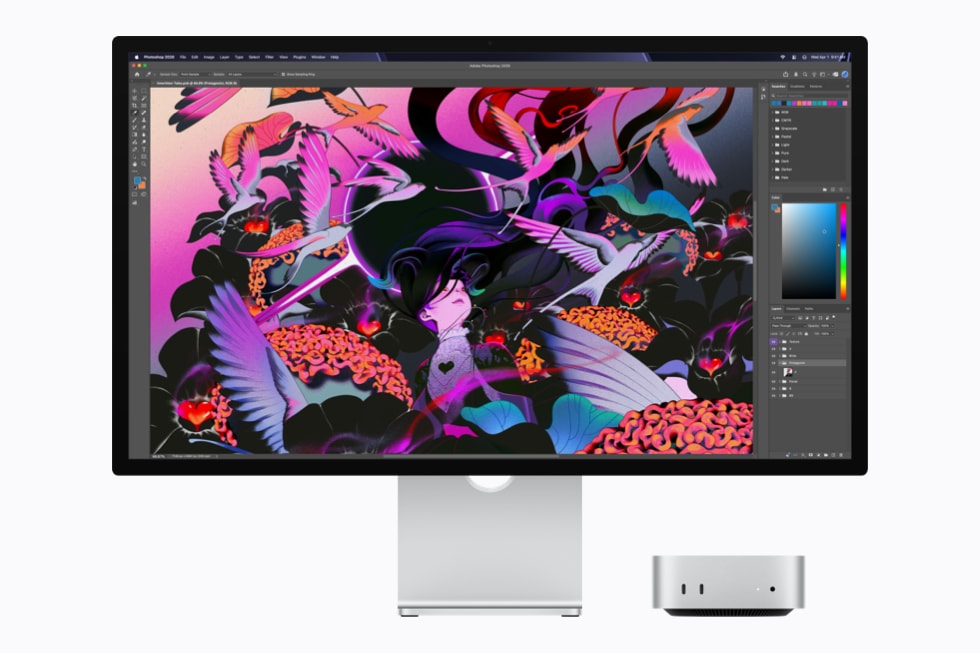
More GPU power, dual Neural Engine and memory for local AI
Where the M6 gains a more interesting edge is in on-device artificial intelligence. It integrates a Dual 16-core Neural Engine, which Apple says can double peak compute compared with previous generations, and the system frameworks can use both engines simultaneously to accelerate model execution. For anyone working with tools that already rely on local AI, this will probably matter more than the usual CPU bump.
The GPU also grows to 12 cores, two more than in the M5, and each core includes a Neural Accelerator. Apple puts the increase in GPU compute for AI at almost 30% compared with the M5 and more than 8x compared with the M1, aimed at speeding up prompt processing when interacting with local LLMs. The promise here is clear: less dependence on the cloud when the model can live on the machine, with the privacy benefits that implies.
For graphics, the M6 adds an updated shader architecture, revised Dynamic Caching and hardware-accelerated ray tracing, along with a 50% increase in geometry rates for complex scenes. Unified memory goes up to 32 GB, while bandwidth rises to 170 GB/s, 10% more than on M5 and 2.5x more than on M1.
M5 Ultra: Mac Studio enters workstation mode
The M5 Ultra plays in a different league. Apple describes it as its most powerful chip to date and reserves it for the Mac Studio, where it makes sense to talk about complex 3D rendering, visual effects, scientific analysis, high-resolution video editing and large AI models running locally. This is not the chip for someone who wants extra headroom for answering emails; it is aimed at projects that devour resources without asking permission.
Its major technical innovation is a quad-die architecture, the first in Apple Silicon, built with UltraFusion by combining two dual-die M5 Max chips. Apple says the interconnect exceeds 4.4 TB/s and increases connection density by more than sixfold, with the goal of making the four dies behave like a single processor. On the CPU side, it reaches up to 36 cores, split across 12 super cores and 24 performance cores, with up to 1.25x higher single-threaded performance and up to 1.3x higher multi-threaded performance compared with the M3 Ultra.
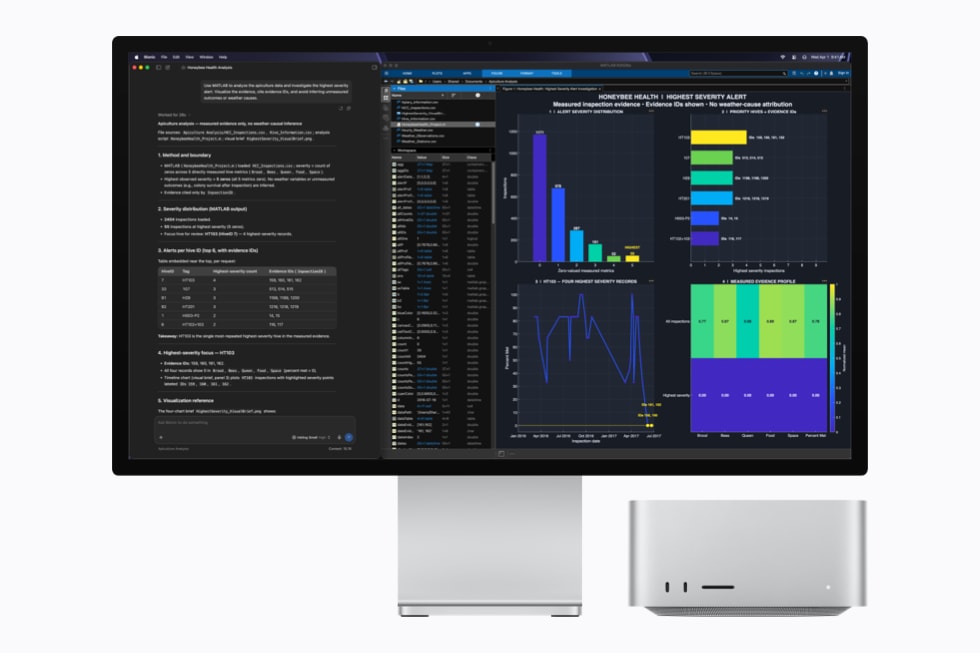
The GPU can scale up to 80 cores, also with Neural Accelerators, and promises up to 4.5x more GPU compute for AI than the M3 Ultra and more than 6x compared with the M1 Ultra. In graphics, Apple claims up to 40% more performance than the M3 Ultra, with second-generation Dynamic Caching, hardware-accelerated mesh shading and third-generation ray tracing.
The memory section is what truly separates the M5 Ultra from the rest: up to 512 GB of unified memory and 1.2 TB/s of bandwidth, 50% more than the M3 Ultra. This makes it possible to keep large datasets in local memory, increase token-per-second speeds and run LLMs with hundreds of billions of parameters directly on the machine. Its media engine also strengthens the professional side, with dedicated hardware for H.264 and HEVC, four ProRes encode and decode engines, and accelerated AV1 decoding.
Apple links both chips to its developer tools, including Core AI, Core ML, Metal and Xcode. The idea is for the CPU, GPU and Neural Engine to be used in a coordinated way to run and fine-tune AI models locally, use Apple Foundation Models, integrate App Intents and access Apple Intelligence features. These features are being tested through the Apple Beta Software Program and will arrive with macOS 27 in the autumn for compatible devices and supported languages, including Spanish. In short, the M6 modernises the Mac mini with a very powerful and efficient foundation; the M5 Ultra turns the Mac Studio into a local workstation for workloads that once sounded more like server territory than desktop computing.


