
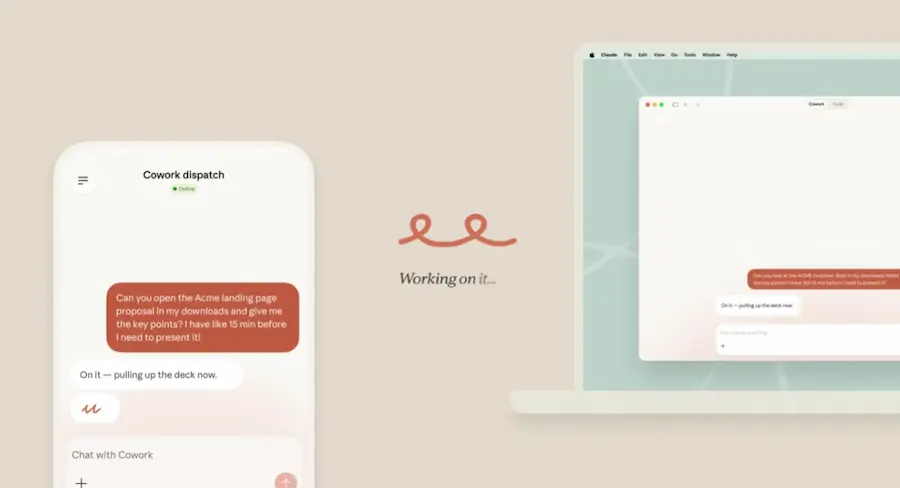

Anthropic has enabled one of those features that’s been floating around the collective imagination of AI for everyday work for a while: being able to ask Claude, from your phone, to carry out tasks directly on your computer. The idea is actually simple to grasp and surprisingly powerful in practice: you type from your phone, Claude works on the desktop or laptop you have turned on, and when it’s done it sends the result back in the same chat.
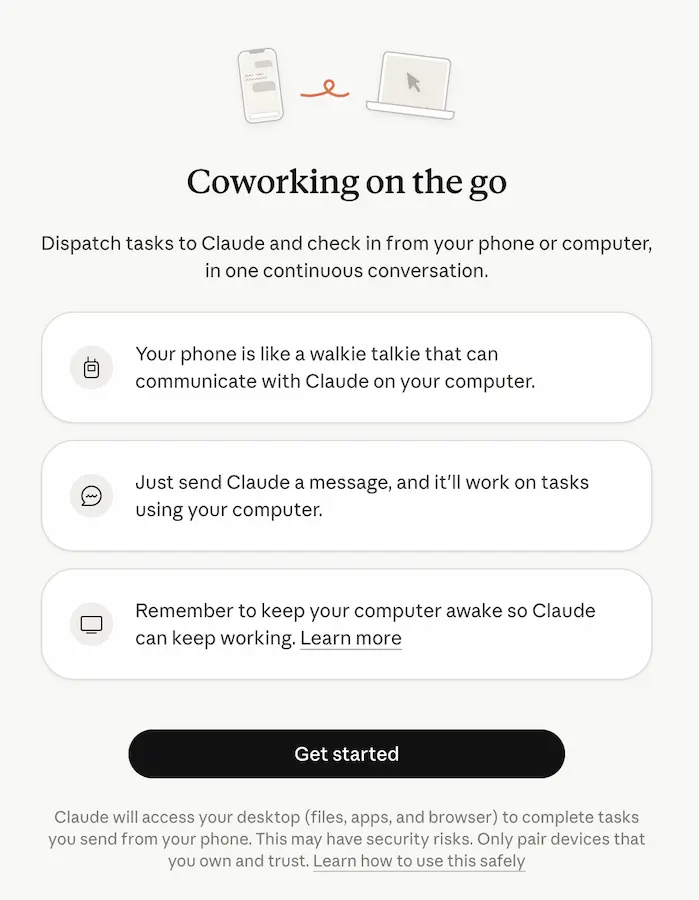
The new capability arrives within Cowork, currently in research preview, and is aimed at users on Claude Pro and Claude Max plans. It also requires two specific pieces: the Claude Desktop app installed and open on your computer, and the Claude mobile app updated on iPhone or Android. If you were thinking cloud black magic, not exactly: Claude runs the work on your own machine, with access to local files, connectors, plugins and apps—as long as everything is active and connected to the internet.
The most important part here isn’t just sending a remote command—it’s that everything happens within a single continuous thread. There aren’t separate mobile and desktop sessions, but one persistent conversation that keeps the context of previous tasks. In other words, you can kick off a request from your phone on the way to work and pick it up later from your PC or Mac without having to explain everything again. That may sound less flashy than a robot clicking buttons, but it’s probably what will change day-to-day use the most.
How Dispatch works and what Claude can do
You use the feature from Cowork’s Dispatch section. Once the initial setup is complete, Claude syncs that continuous conversation between mobile and desktop and decides what kind of session it needs for each job. Depending on the task, it can lean on Claude Code for development work or on Cowork for tasks more focused on information, documents, or productivity. You can jump into those sessions to see the details, or—if you prefer a more hands-off approach and less obsessive checking, like not opening the console every thirty seconds—wait for the final result to arrive.
And that result can take many forms: a summary report built from a local spreadsheet, a briefing document after reviewing Slack messages and email, a presentation assembled from files stored in Google Drive, or even a folder-organization task on your computer. Claude can also use your machine’s apps through its computer-use feature, which lets it open programs, browse the web, edit files, or fill in spreadsheets.
From the outside, the approach looks like that classic promise from digital assistants—“do it for me”—except this time it doesn’t stop at a demo with epic music. If you ask it to update an Excel sheet, check an internal dashboard, or use your development tools, it can interact with those apps directly on the desktop. And when it’s finished, it sends you the result as a message, including a push notification on your phone if it needs your approval or if the work is ready.
There’s another important detail: if the task generates files, you can retrieve them from your phone or find them on your computer at the path Claude specifies. The system also retains memory about how you work and which projects you’ve been touching—although you can view, edit, or delete that memory at any time.
Requirements, limits, and why security matters so much
To use this feature, there are several conditions worth keeping in mind. Your computer must have the latest version of Claude Desktop installed and must stay on, awake, and with the app open; in parallel, your phone needs the latest version of Claude for iOS or Android. You also need a Pro or Max subscription and an active internet connection on both devices. Official information mentions compatibility with macOS and Windows x64 for the desktop app, while another source emphasizes its arrival on macOS, so the availability details may vary depending on the environment and how the preview is being rolled out.
Anthropic also highlights the ability to schedule recurring tasks. In other words, not everything has to depend on a manual command sent from your phone: Claude can automatically check email every morning, pull metrics every week, or prepare a report on Fridays. It’s one of those shifts that makes the tool feel more like a persistent digital operator than just a turbocharged chatbot.
That said, the sensitive part is security. By giving Claude phone-based access to everything it can reach on your computer, the chain of actions becomes far more delicate. We’re not just talking about reading a document: it can also move or delete local files, interact with connected services, control the browser, and use desktop apps. Convenient? Extremely. Harmless? Not even close.
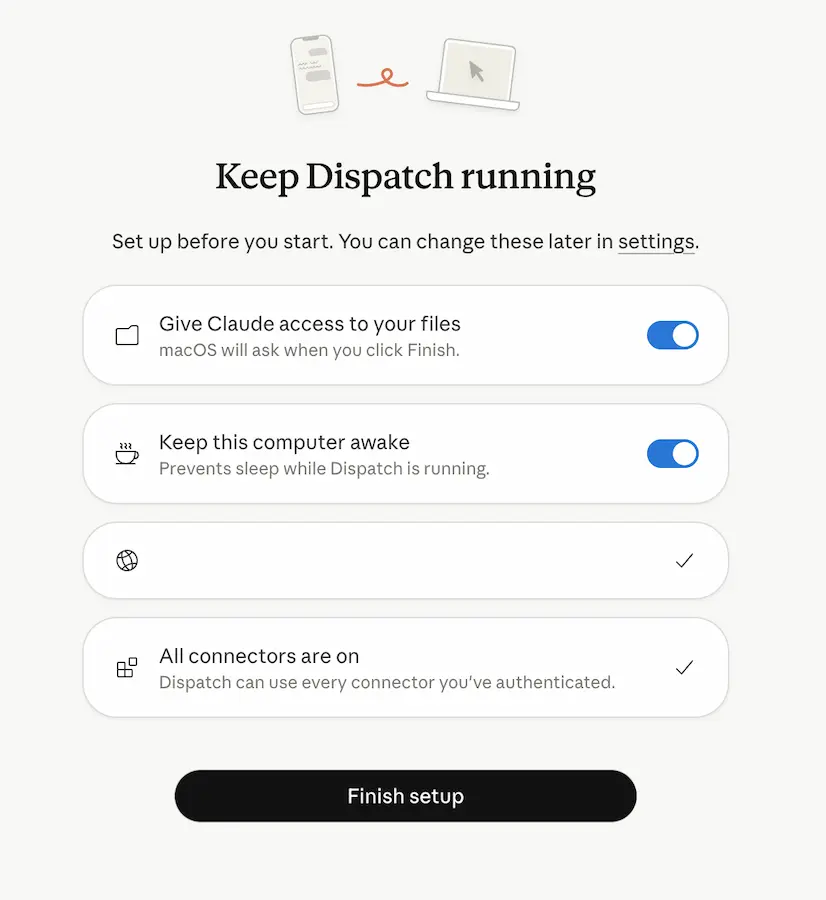
The company itself warns that a malicious link, a manipulated instruction, or an unexpected command could trigger actions that are hard to undo. That’s why it recommends being clear about which apps and services are part of the chain, which files and accounts become accessible, and how to disconnect or revoke permissions quickly. Also, when Claude uses your computer’s apps, that interaction happens outside Cowork’s isolated environment—underscoring the experimental nature of the feature even more.
There are also clear functional limits: everything lives in a single continuous thread and you can’t manage multiple independent threads; and if your computer goes to sleep or the desktop app is closed, Claude can no longer work. Even so, Anthropic’s move shows where this segment is heading: less static chat and more real automation on our devices. For anyone who’s wanted to use their computer from their phone without relying on traditional remote desktop, this offers a much smarter path—though it still comes with that “preview” label you shouldn’t ignore.


